YouTube Thumbnail A/B Testing: How Test & Compare Picks a Winner
By Technophile ·
Quick answer: YouTube Studio has a built-in thumbnail A/B test called Test & Compare. You upload up to 3 thumbnails for one video, YouTube shows each to a share of viewers, and it picks the winner by watch time, not click-through rate. The test runs on its own until there's a clear result.
It's one of the most debated features among creators, because the "winner" isn't always the thumbnail that got the most clicks.
How does YouTube's Test & Compare work?
- In YouTube Studio on a computer, open a video's details and choose Test & Compare next to the thumbnail.
- Upload two or three thumbnails.
- YouTube splits viewers between them and measures how much watch time each one brings in.
- When one clearly performs better, it becomes the video's thumbnail. If the results are too close to call, you can pick one yourself.
You need access to YouTube's advanced features (usually just phone verification) to use it. Availability can vary by channel while YouTube rolls changes out.
Why does YouTube pick by watch time instead of clicks?
This is the heated part. Click-through rate (CTR) only measures whether people clicked. A thumbnail that over-promises can win the click and then lose the viewer in the first 30 seconds. Watch time rewards the thumbnail that brings in people who actually stay.
In practice:
- Higher CTR, lower watch time: the thumbnail is attracting the wrong viewers, or promising something the video doesn't deliver.
- Lower CTR, higher watch time: fewer but better-matched viewers. YouTube treats this as the winner, and recommends the video accordingly.
So don't be surprised when the "boring" thumbnail wins. It's usually the honest one.
What should you test?
Test one big idea per version, not small tweaks. Small changes (a slightly different shade of red) rarely produce a clear result. Better tests:
- Face vs no face
- Text vs no text, or 3 words vs 6
- The result vs the process (a finished build vs hands mid-build)
- Different promises ("Best budget mic?" vs "Under $50?!")
How to check your thumbnails before you test
A live test takes days and uses real viewers. Make sure every version is a real contender first. The Thumbnail Previewer lets you load up to 3 versions and flip between them in a realistic home feed, search results, Up next, mobile and TV:
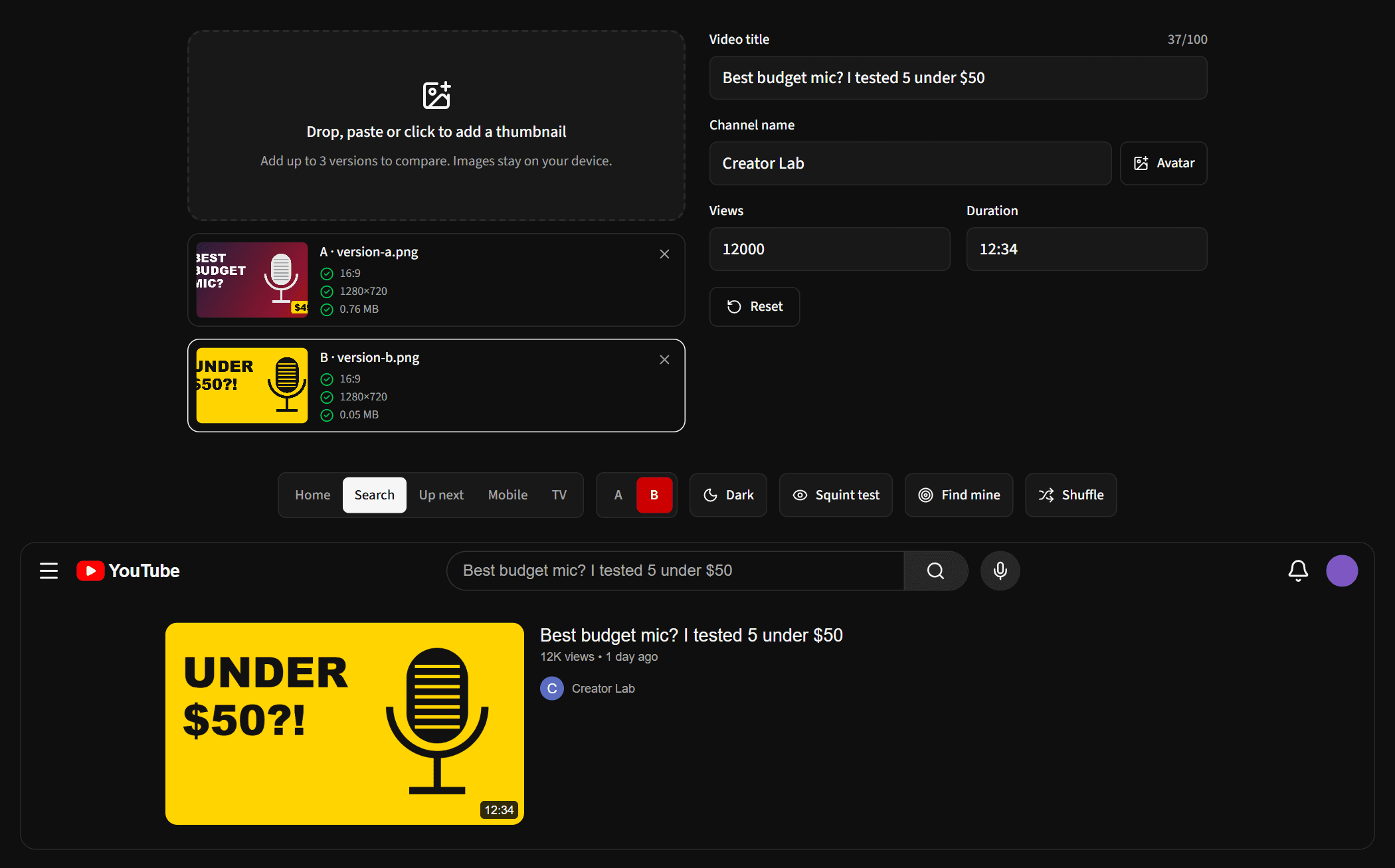
Look for problems a live test would waste days finding:
- Is the text readable at feed size? Turn on the Squint test to blur the view, the way a thumbnail looks at a glance.
- Does it stand out? Click Shuffle to see it among different neighbours. Find mine shows how quickly you can spot it.
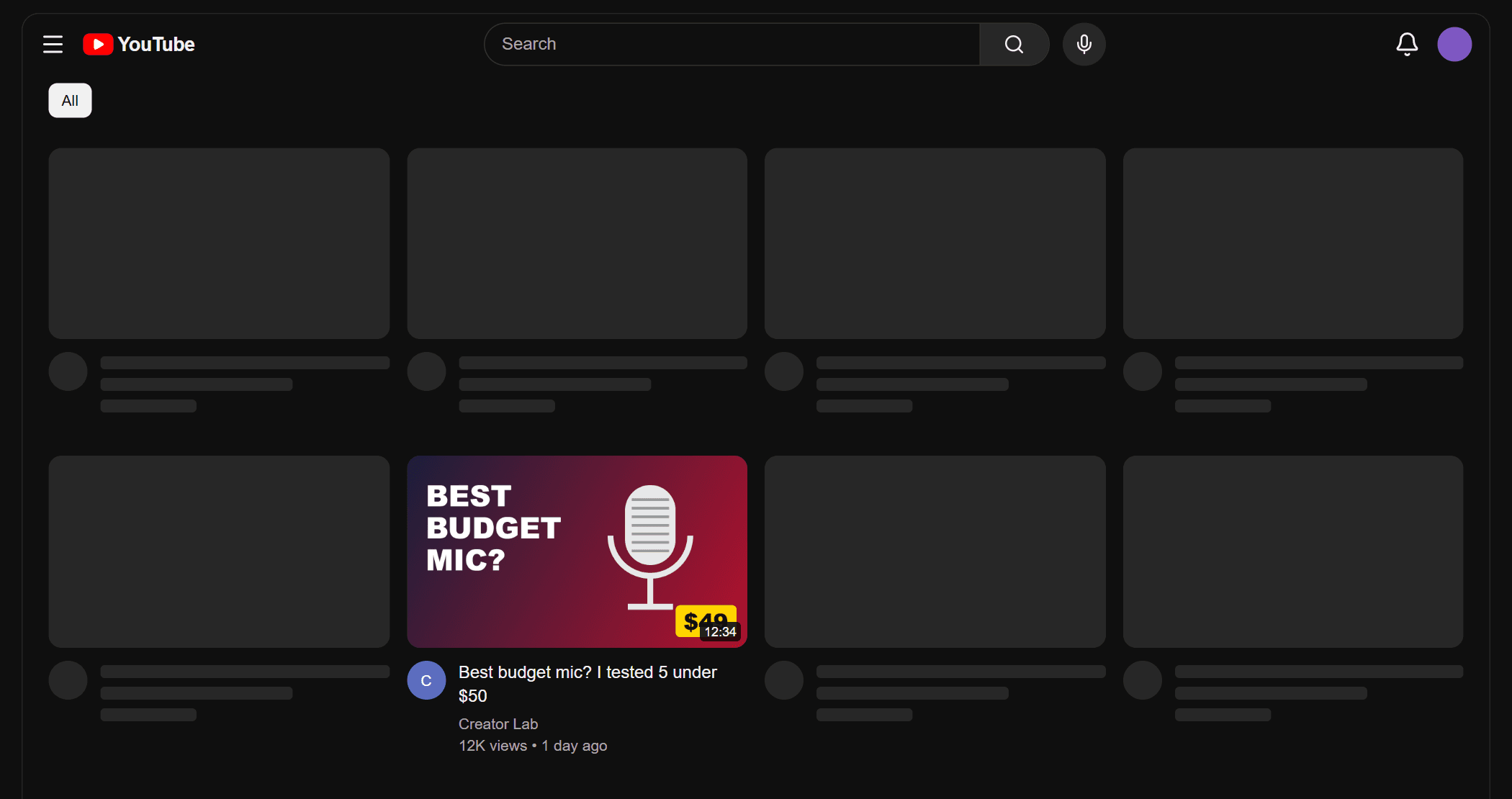
- Is anything covered? The duration badge hides the bottom-right corner. Check it with the Safe Zones Overlay.
Frequently asked questions
Does changing a thumbnail hurt a video?
No. Creators change thumbnails on older videos all the time to revive them. Test & Compare simply makes it measurable.
How long should a thumbnail test run?
Let YouTube decide. It needs enough views to be confident, so tests on small channels or older videos take longer. Stopping early usually means picking a winner on noise.
Can I A/B test titles too?
YouTube has been expanding Test & Compare beyond thumbnails, but what's available depends on your channel. Check the Test & Compare option in YouTube Studio to see what you can test.